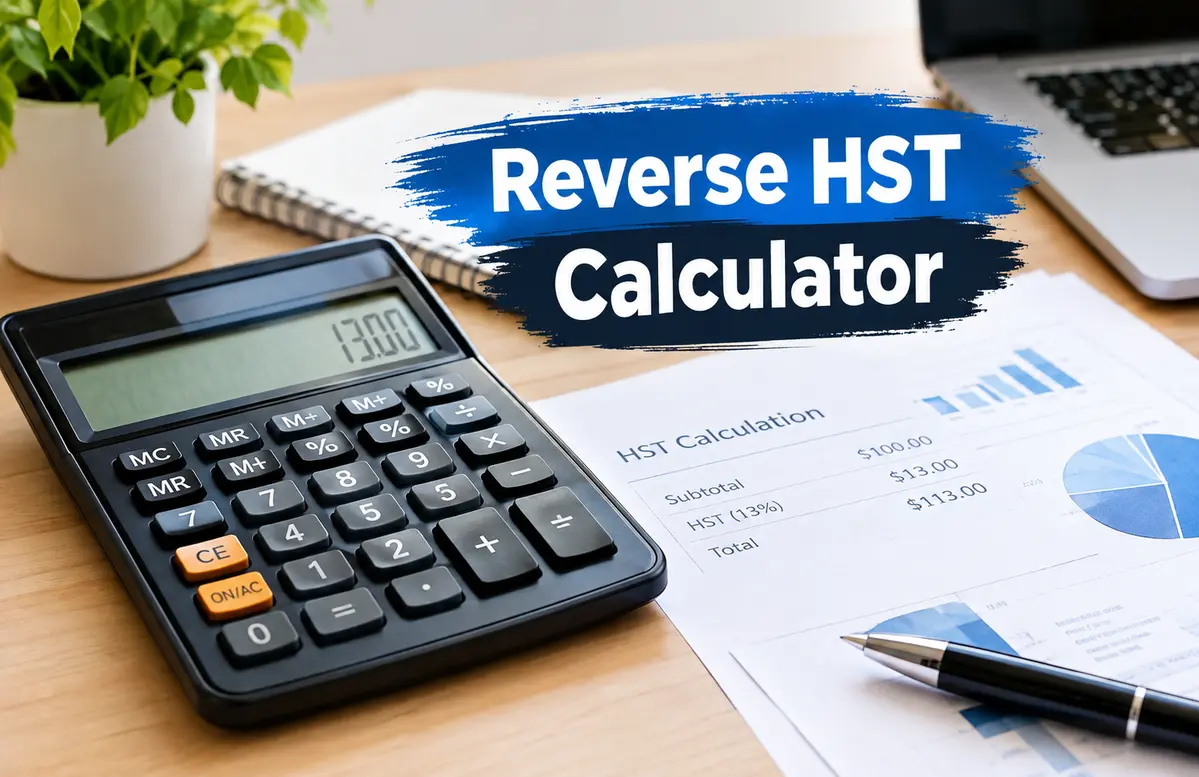
Reverse HST Calculator: Great Happy Tax Help Now
Reverse HST Calculator: A Simple Guide to Finding Pre-Tax Prices
A reverse hst calculator helps you find the price before HST. You use it when the final price already includes tax. This can help with bills, receipts, and invoices.
HST means Harmonized Sales Tax. Some Canadian provinces use HST. A final price can include both the item cost and HST.
A reverse calculation works from the final price. It finds the price before-tax. It also shows how much HST you paid.
For example, an item costs $113 after 13% HST. You can use a reverse calculation to find the base price. The base price is $100, and the HST is $13.
| Final Price | HST Rate | Price Before HST | HST Amount |
| $113.00 | 13% | $100.00 | $13.00 |
| $226.00 | 13% | $200.00 | $26.00 |
| $565.00 | 13% | $500.00 | $65.00 |
| $1,130.00 | 13% | $1,000.00 | $130.00 |
You should not just subtract 13% from the final price. HST is based on the price before tax. So, you must use the right reverse formula.
This guide shows how the formula works. It also covers receipts, bills, shopping, and budgets.
Reverse HST Calculator Basics
A reverse hst calculator starts with a price that includes tax. It then finds the price before HST.
The idea is quite simple. The final price has two parts. One part is the item price. The other part is HST.
The final cost is 113% of the basic price with a 13% HST rate. 113% can be written as 1.13. Thus, divide the total cost by 1.13.
For example, $226 includes 13% HST. Divide $226 by 1.13. The result is $200 before HST.
The HST is $26. You can find it by taking $226 minus $200.
Reverse HST Calculator Formula
The reverse hst calculator formula is easy to use. First, turn the tax rate into a decimal. Then add 1 to that number.
The main formula is:
Pre-Tax Price = Final Price ÷ (1 + HST Rate)
For 13% HST, use 0.13. Then add 1 to get 1.13.
For example:
$1,130 ÷ 1.13 = $1,000
So, the price before HST is $1,000. The HST is $130.
You can check the answer by adding both amounts. $1,000 plus $130 equals $1,130. This confirms that the math is right.
Reverse HST Calculator for 13% HST
A reverse hst calculator is useful for a 13% HST rate. You should still check the rate before you start.
Suppose your final price is $565. The price includes 13% HST. Divide $565 by 1.13.
The answer is $500 before tax. The HST is $65.
You can also use this method for larger amounts. A final price of $2,260 gives a base price of $2,000. The HST is $260.
This makes tax math easier. It can also help you check a bill or receipt.
Reverse HST Calculator for Other HST Rates
A reverse hst calculator can work with other rates too. You only need to use the right rate.
For example, 8% becomes 0.08. Then add 1 to get 1.08.
If the rate is 15%, use 0.15. Add 1 to get 1.15.
Suppose the final price is $1,150. The tax rate is 15%. Divide $1,150 by 1.15.
The price before tax is $1,000. The HST is $150.
| Final Price | HST Rate | Calculation | Pre-Tax Price |
| $540 | 8% | $540 ÷ 1.08 | $500 |
| $1,130 | 13% | $1,130 ÷ 1.13 | $1,000 |
| $1,150 | 15% | $1,150 ÷ 1.15 | $1,000 |
| $2,160 | 8% | $2,160 ÷ 1.08 | $2,000 |
The table shows why the tax rate matters. A wrong rate gives a wrong result.
Always use the rate that applies to your sale. Check the bill or receipt if you are not sure.
Reverse HST Calculator for Receipts
For tax-included receipts, a reverse HST calculator can be useful. The exact price after tax is displayed in many stores.
Start by looking up the sum on the receipt. Next, look up the HST rate. Next, divide the sum by the tax rate plus 1.
Let’s say the total on your receipt is $339. 13% is the rate.
$339 is divided by 1.13. The cost is $300 before taxes. $39 is the HST.
Basic record keeping may benefit from this. When you wish to find out the actual cost of an item, it might also be useful.
Verify the receipt first at all times. The tax is listed separately on some receipts.
Reverse HST Calculator for Business Invoices
A reverse hst calculator can help with tax-included business bills. It can split the bill into the base price and HST.
Suppose a bill is $1,695. It includes 13% HST.
Divide $1,695 by 1.13. The price before HST is $1,500. The HST is $195.
This can save time when you check many bills. It can also reduce simple math errors.
Still, a calculator is only a math tool. It does not tell you if a tax charge is legal.
Businesses should keep good records. They should also follow the tax rules that apply to them.
Reverse HST Calculator for Shopping
Customers can verify prices that include taxes by using a reverse HST calculator. It displays the percentage of the total cost that is taxed.
Let’s say you bought something for $678. 13% HST is included in the price.
$678 is divided by 1.13. It costs $600 before taxes. $78 is the HST.
When comparing pricing, this can be useful. Additionally, it can be useful while budgeting.
Don’t forget to verify whether tax is already included in the pricing. If not, a standard HST computation is required.
Reverse HST Calculator for Budget Planning
A reverse hst calculator can help with a simple budget. It can show the base price within your total budget.
Suppose your total budget is $1,130. The HST rate is 13%.
Divide $1,130 by 1.13. Your pre-tax budget is $1,000. The HST part is $130.
This can help you set a clear spending limit. You can see how much goes to the item and how much goes to tax.
You can also use this method for several items. But use care when the items have different tax rates.
If the rates are not the same, split the items first. Then use the right rate for each group.
Reverse HST Calculator for Before-Tax Prices
A reverse hst calculator helps when you know the final price. It then finds the price before HST.
Suppose the final price is $904. The HST rate is 13%.
Divide $904 by 1.13. The price before HST is $800. The HST is $104.
Do not subtract 13% from $904. That will not give the right base price.
The reason is simple. HST is added to the base price. So, you must divide the final amount by 1.13.
This is the main rule to remember. Use division when you work backward from a tax-included price.
Reverse HST Calculator for Tax-Included Prices
A reverse HST calculator works best when you have a price that already includes HST. The goal is to take the total and split it into two parts.
One part is the price, before HST. The other part is the HST itself.
For example a final price of $452 includes 13% HST. To find the -tax price divide $452 by 1.13.
The pre-tax price is $400. The HST is $52.
Now add $400 and $52. The result is $452. This confirms the calculation.
If your numbers do not match, check the tax rate again. Also check if another fee was added to the bill.
Rounding can cause differences. This is common when prices have cents.
Reverse HST Calculator for Error Checking
A reverse hst calculator can help you check tax math. A reverse hst calculator can be useful when a bill or receipt seems wrong. I find a reverse hst calculator handy for checks.
Start with the amount. Use the HST rate. Then find the price before tax.
Next subtract the -tax price from the final price. The result should match the HST amount.
For example a final price of $565, at 13% HST gives a base price of $500. The tax is $65.
If the receipt shows a different tax amount check the rate. Also check if the bill has fees.
Small differences may come from rounding. A large difference may need checking.
If you still cannot match the numbers ask the seller for help. For business records check the tax rules.
Reverse HST Calculator Tips for Better Results
Using a HST calculator is easy.. You need the right numbers.
First check the price. Make sure HST is included in the price. Then check the tax rate.
Next change the rate into a decimal. For 13% use 0.13. Add 1 to get 1.13.
Now divide the price by that number. The result is the price, before HST.
Subtract the pre‑tax price from the price. This gives the HST amount.
Always keep the receipt or bill. The receipt or bill can help you check the result later.
For business tax work use tax sources. You may also need help from a tax expert.
A calculator makes the math easy.. The calculator does not replace tax rules or expert advice.
Conclusion
You may determine the price prior to HST by using a reverse HST calculator. The final price, which already includes VAT, is the starting point. The final price is divided by one plus the HST rate, which is the primary stage. Divide by 1.13 to get 13% HST. The HST can then be calculated by deducting the pre-tax price from the final price. Budgets, shopping, bills, and receipts can all benefit from this approach. Prior to beginning, always verify the tax rate. Use official tax guidelines or consult a competent tax expert for business needs or tax filing.
Read More Articles: Reverse HST Calculator